App Performance and Optimization
The Famalth ONE App is engineered to deliver powerful emergency features while maintaining minimal impact on your device’s performance.
Whether monitoring for falls, sending live location updates, or running critical background services, the app stays optimized to be efficient, fast, and battery-friendly.
Overview
The Famalth ONE App is built around three key performance principles:
-
Low Battery Usage:
Consumes less than 1% battery per 24 hours under normal standby operation — even with background features like Fall Detection enabled. -
Efficient Background Services:
Smart background management ensures that features like Fall Detection, Family Tracking, and Health Tracking operate reliably without consuming excessive memory or power. -
Fast Emergency Response:
SOS triggers, secret recordings, flashlight blinks, and siren activations occur within milliseconds to guarantee immediate action during emergencies.View Screenshot
Battery Optimization:
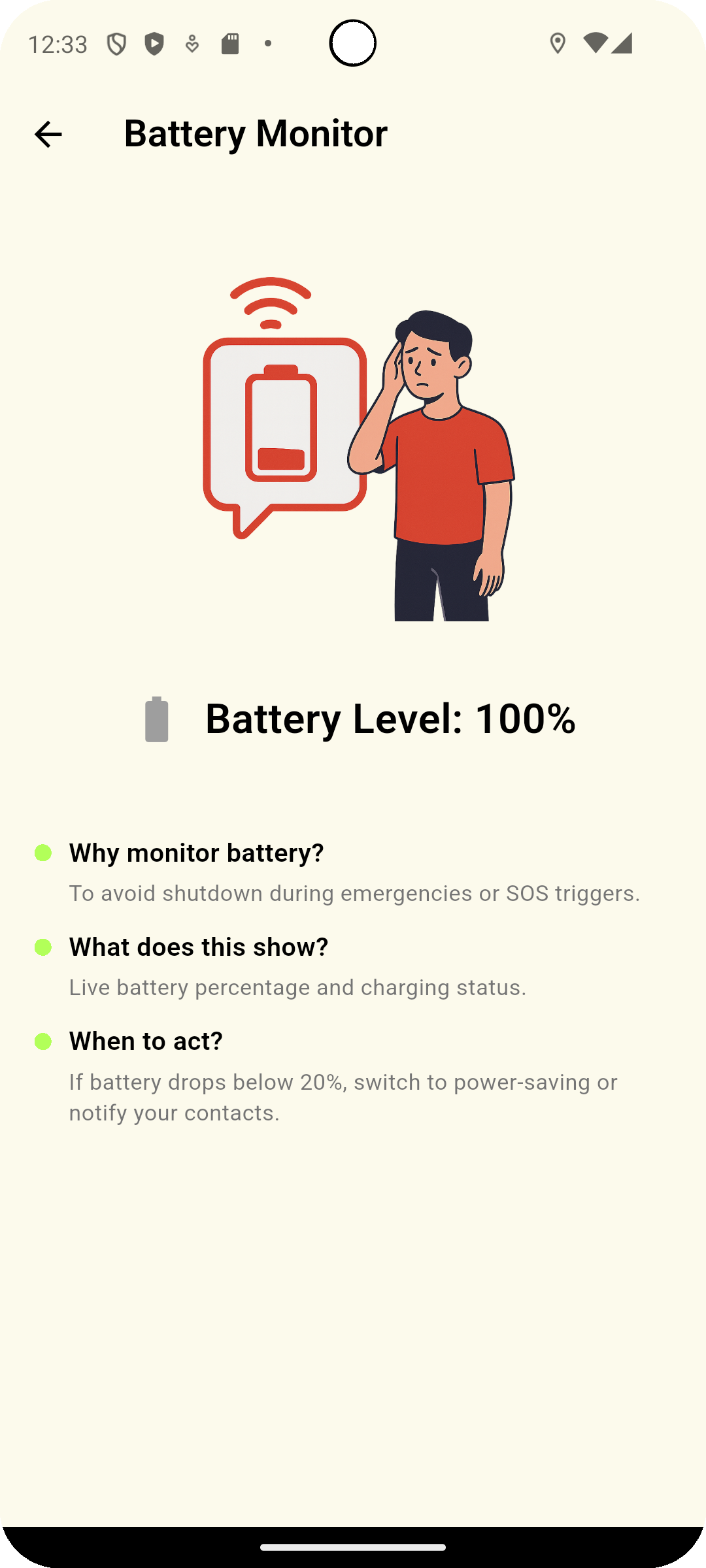
For best performance, whitelist the One App under your device’s Battery Optimization settings to prevent automatic shutdowns by the system.
How the Famalth ONE App Optimizes Background Operations
| Technique | Purpose |
|---|---|
| Foreground Services | Keeps critical emergency monitoring active, even when the app is minimized. |
| Intelligent Sensor Polling | Monitors motion and fall events efficiently without constant battery drain. |
| Low Wake Lock Usage | Only partially wakes device when needed, preserving energy. |
| Permission Management | Requests only necessary permissions to minimize background resource overhead. |
| Local-first Storage | Reduces dependence on network resources, improving offline performance. |
The Famalth ONE App intelligently balances readiness and device health without compromise.
Best Practices for Maintaining Optimal Performance
| Recommendation | Why It Helps |
|---|---|
| Whitelist the One App from Battery Optimization | Prevents critical services from being stopped. |
| Enable Auto Backup at convenient times | Backups occur silently without interrupting device usage. |
| Keep app updated | New updates bring improved optimizations and bug fixes. |
| Monitor device health | Restarting your device occasionally helps refresh background services. |
Common Questions
Will the Famalth ONE App drain my battery significantly?
No.
The app is optimized to consume less than 1% battery in a 24-hour period under normal standby conditions.
Why does the app need foreground services for fall detection?
Foreground services ensure the app can detect falls and trigger alerts reliably even when running in the background, and are critical for Android system compliance.
Does Family Tracking affect battery life?
Minimal impact.
Location updates are optimized to happen intelligently based on device motion and internet availability.
What happens if my phone kills the One App in the background?
Essential emergency features (Fall Detection, Alerts) may not function properly.
Always whitelist the Famalth ONE App in your device's Battery Optimization settings for uninterrupted operation.
Troubleshooting
| Issue | Solution |
|---|---|
| App stopped working in background | Check if Battery Optimization is killing the app; whitelist One App. |
| Fall Detection not triggering | Confirm background location and activity recognition permissions are granted. |
| Backup delays | Ensure stable internet connection and Drive access for cloud features. |
| Widget or Quick Tile not responding | Restart the app and check system permission status. |
The Famalth ONE App is optimized for low battery consumption, fast emergency responsiveness, and efficient background safety monitoring — keeping you protected without compromising your device’s performance.
By following best practices like whitelisting and staying updated, you ensure that your Famalth ONE App remains ready to help at a moment’s notice.
Be prepared. Stay fast. Stay protected.
What's Next
Learn about the future roadmap and upcoming features for the Famalth ONE App.